
What Our Customers Are Saying
Enhance Control & Visibility with EBM Papst HMI Interfaces & Modbus Displays at iACS
24
Oct
Enhance Control & Visibility with EBM Papst HMI Interfaces & Modbus Displays at iACS
October 24, 2025
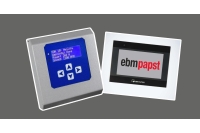
ACS now offers the EBM Papst CN1116 Modbus Display & Control (MDC) and DSP1000 HMI touchscreen interface, enabling engineers and facilities managers to monitor, commission, and control EC fan systems with clarity and precision. These HMI solutions streamline feedback, diagnostics, and configuration for EC fan networks.
Why EBM Papst HMI Solutions Stand Out
- Provide real-time visual feedback on fan status, setpoints, or alarms.
- Local commissioning ease via keypad and display, reducing configuration errors.
- Auto fan addressing and diagnostics simplify setup and maintenance.
- Direct integration within EC fan ecosystems, avoiding third-party controller compatibility issues. ebmpapst.comebmpapst.comfr.farnell.com
Available HMI Products via iACS
You can purchase the following user interfaces directly from iACS:
Product Insights & Benefits
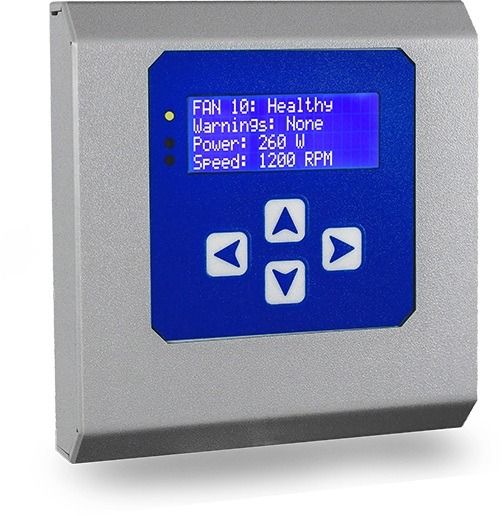
CN1116 Modbus Display & Control (MDC)
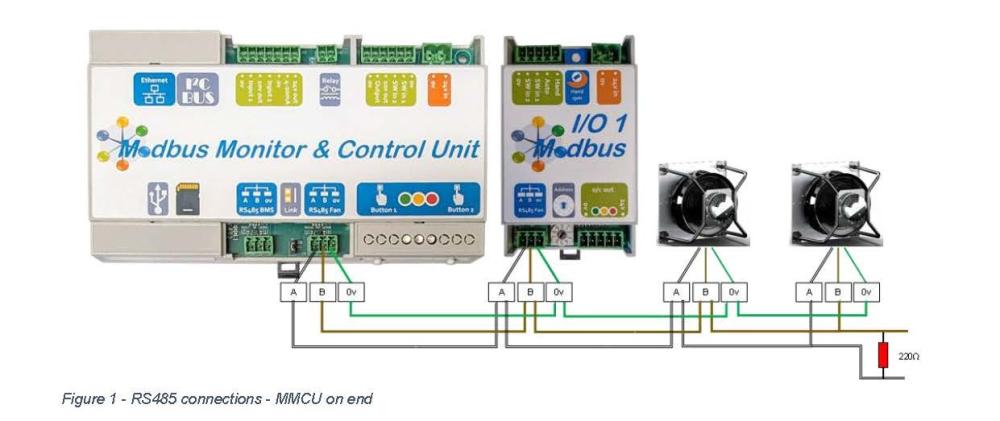
The CN1116 serves as a dual RS485 Modbus interface: one port connects to EC fans (master), the other integrates with higher-level systems like BMS or IoT gateways (slave). It includes a keypad and display for manual menu navigation, status monitoring, and mode selection. ebmpapst.com+2ebmpapst.com+2
Key Benefits:
- Up to 100 fans supported on the master Modbus bus.
- Auto fan addressing accelerates commissioning.
- Multiple operating modes: Monitor, Monitor & Control, Constant Volume/Pressure, Modbus Relay.
- Local visibility of fan data, such as RPM, current set value, and alarms—ideal for service teams.
- Supports 9–57 V DC supply, wall‑mountable, user-accessible panel. ManualsLib+13ebmpapst.com+13ebmpapst.com+13fr.farnell.com+2ManualsLib+2
Use Cases:
- Fan array commissioning in AHUs and HVAC systems.
- Local troubleshooting and diagnostics.
- Small‑scale installations where BMS feedback lines are needed without full automation.
Why It's Preferred:
Competitors may require laptop interfaces or lack integrated control modes. The CN1116 offers out‑of‑box visibility, control modes, and integration with EC‑Control firmware—all within a compact, field‑mature unit.
DSP1000 HMI Touchscreen Display
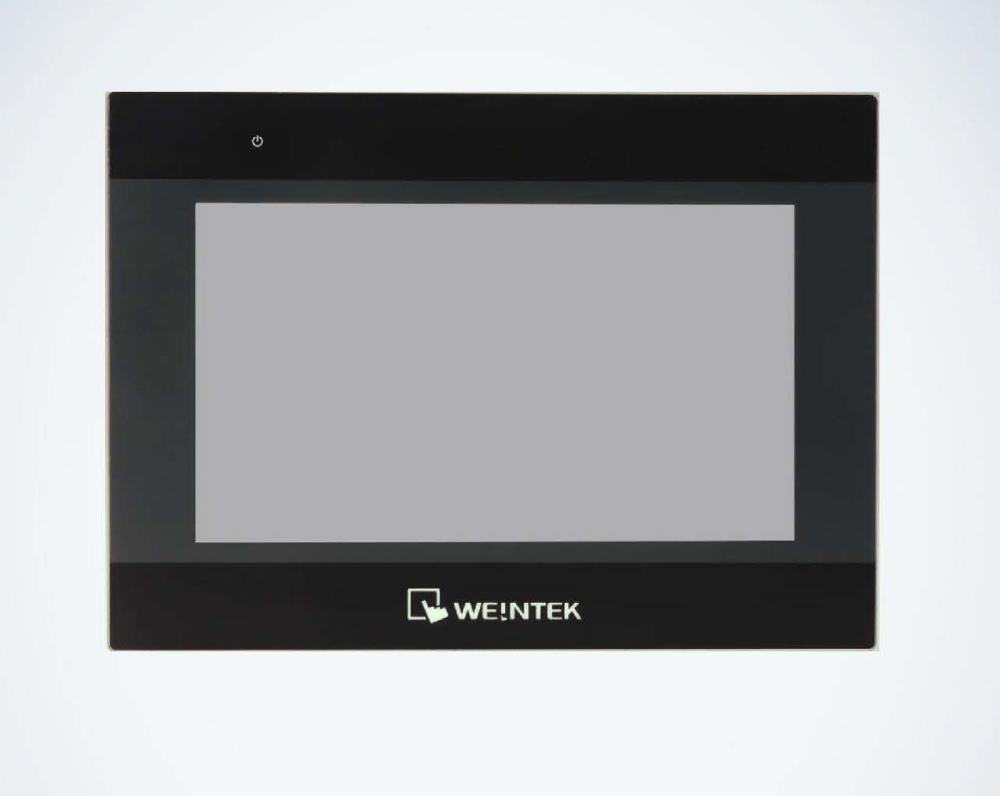
The DSP1000 is a sleek HMI touchscreen interface designed for use with CN1127 and CN1133 connectivity modules. It allows intuitive touchscreen control of EC fan parameters, setpoints, and fan status without accessing a laptop or web interface.
Highlights:
- Capacitive colour touchscreen with responsive GUI.
- Live visualisation of fan network data, alarms, and system modes.
- Ideal for control-room environments and service interfaces.
- Fast navigation between real-time analytics screens and commissioning tools.
Applications:
- Permanent or portable panels in plant rooms showing system status.
- User-accessible control interface in installations with multiple fan sections.
- Site monitoring where central UI is preferred over individual web login.
Competitive Advantage:
Very few competing HMIs integrate natively with EBM Papst MMCUs. The DSP1000’s seamless connectivity over RS485 and touchscreen control simplifies operation and eliminates compatibility issues common with third-party devices.
Shared Advantages of These Interfaces
- Display and navigate through modes like monitor-only or constant pressure control.
- Support EBM Papst's auto-addressing features to save installation time. ManualsLibebmpapst.comfr.farnell.com+1ebmpapst.com+2fr.farnell.com+2
- Provide local control and diagnostics without dependency on external devices or cloud access.
- Use standard power input (9–57 V DC), compact enclosures suitable for technical areas.
- Designed exclusively for compatibility with EBM Papst networked EC fans and modules.
Installation & Integration Tips
- Mount the CN1116 or DSP1000 in easy to access panel or wall position.
- Supply 9–57 V DC power using a safe low-voltage supply.
- Wire RS485 master to fan network; slave port optional for BMS or IoT module connection.
- Start auto-address routine to detect connected fans and assign IDs.
- Navigate operation modes via keypad or touchscreen, configure thresholds or setpoints on-site.
- Use display for fault history, runtime insight, and real-time measurement.
Why Purchase From iACS?
- Authentic, authorised EBM Papst interface hardware.
- Full access to datasheets, user manuals, and documentation.
- Technical support for commissioning and parameter setup.
- Prompt UK dispatch with global delivery options.
- Integrated product portfolio including controllers, sensors, IEC interfaces, and accessories.
Explore more EBM Papst control & display products:
Conclusion
EBM Papst’s CN1116 Modbus Display & Control and DSP1000 touchscreen HMI offer HVAC professionals powerful tools for commissioning, monitoring, and controlling EC fan systems. With integrated visibility, local control modes, and seamless fan network integration, these interfaces outperform generic products and support efficient, reliable HVAC operations.
Explore these products now on iACS
Contact us for expert assistance with display-based EC fan control implementations
Recent Posts
-
Smart Fan Control with EBM Papst IoT Modules & Gateways — Now Available at iACS
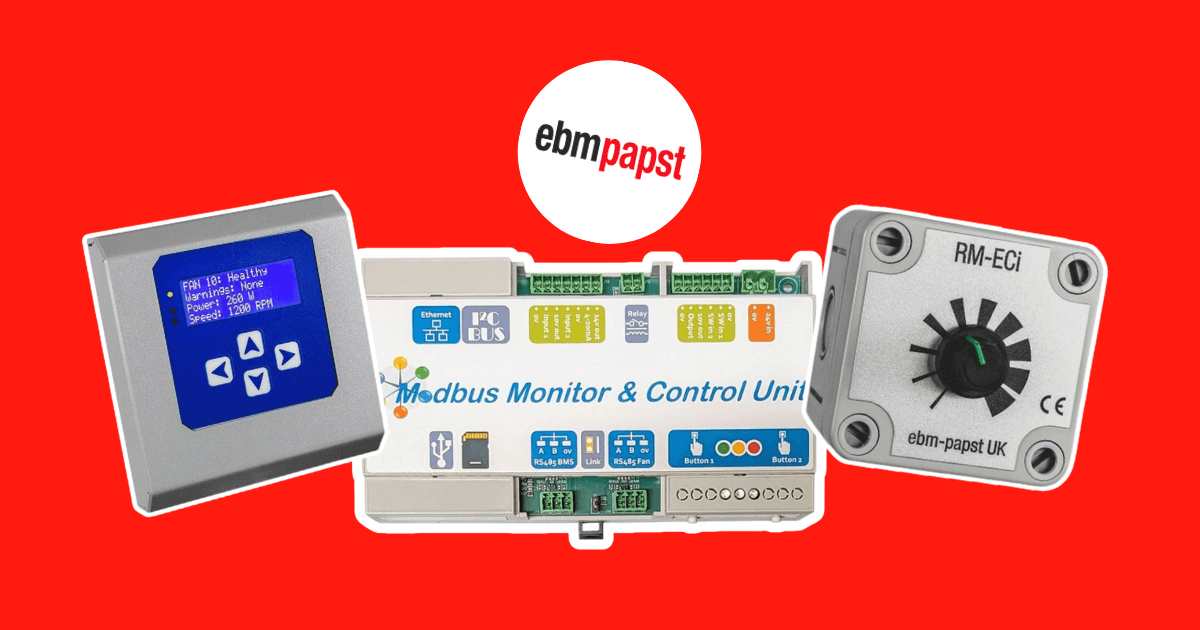 January 22, 2026
 -
Simplify HVAC Configuration with the Rubix Controls Selection Tool
 December 12, 2025
 -
iACS Partners with EBM Papst: Expanding Our HVAC Parts Catalogue with Innovative Fan Control Solutions
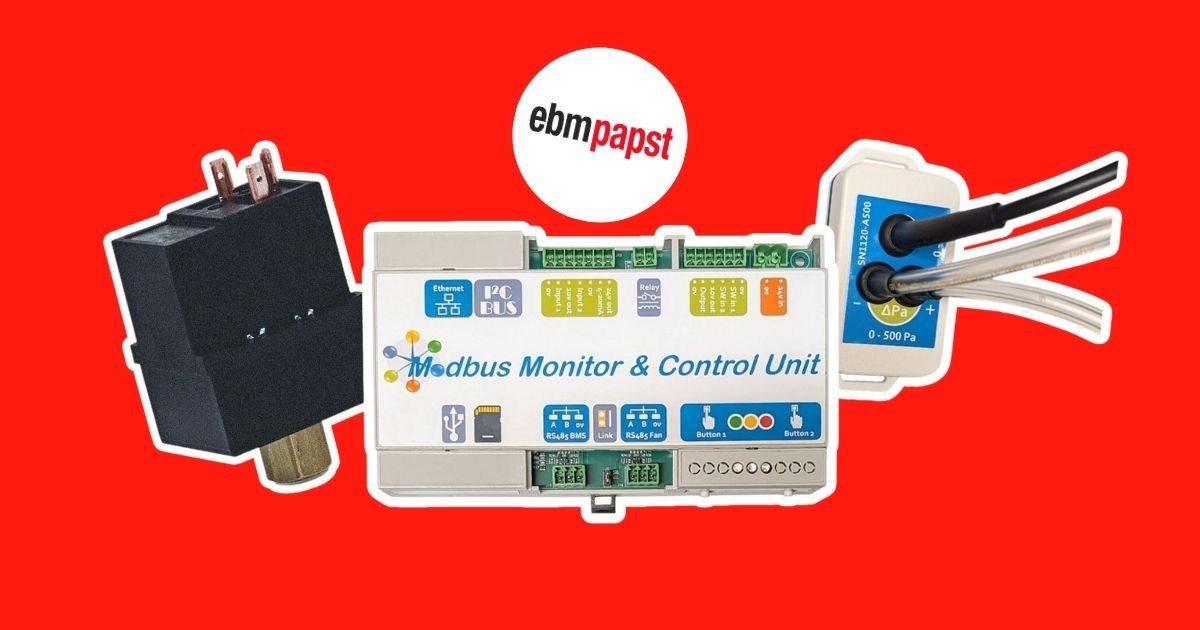 December 9, 2025
 -
Revolutionising AHU Quoting with Rubix: The Free HVAC Quotation Tool
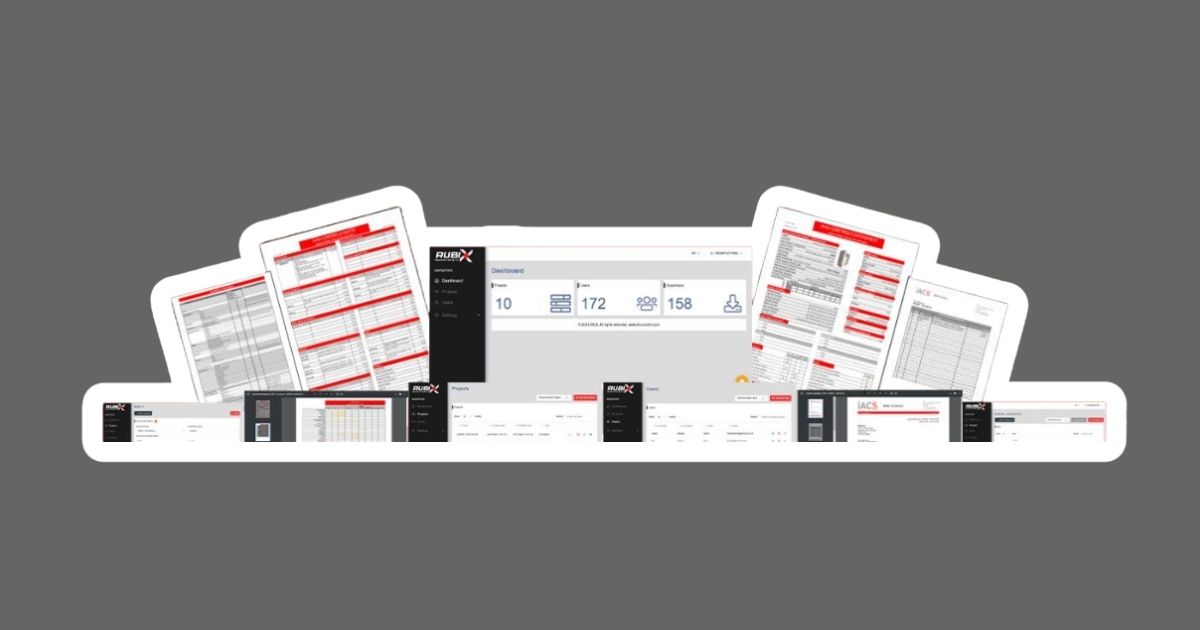 December 3, 2025
 -
Optimise Airflow Control with EBM Papst Differential Pressure Sensors at iACS
 November 14, 2025